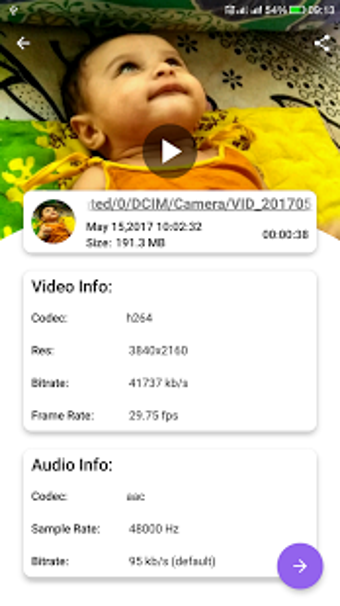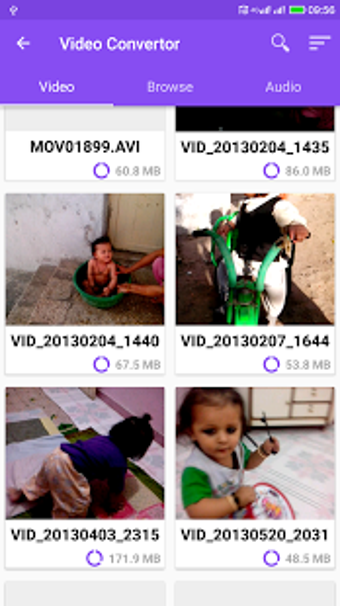
A free program for Android, by VidSoftLab.

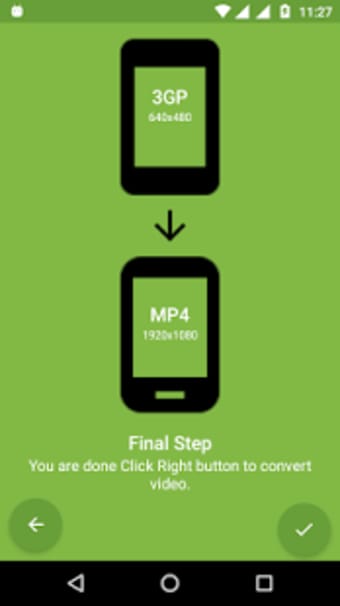
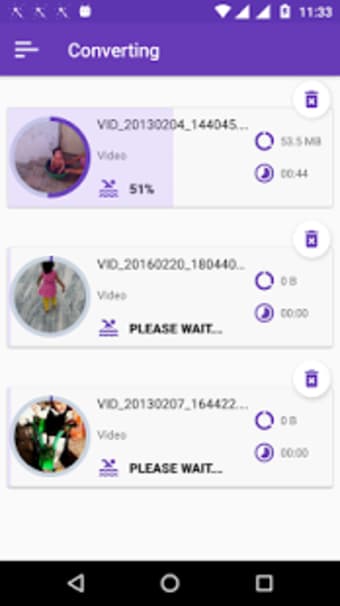
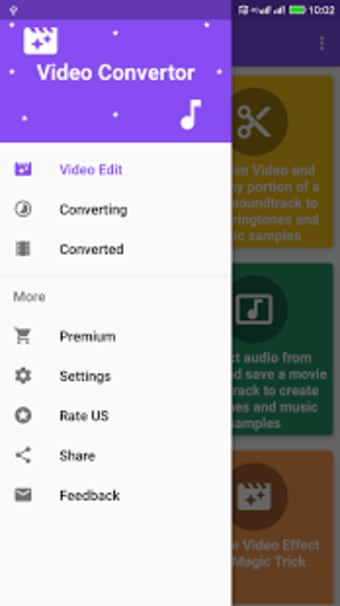
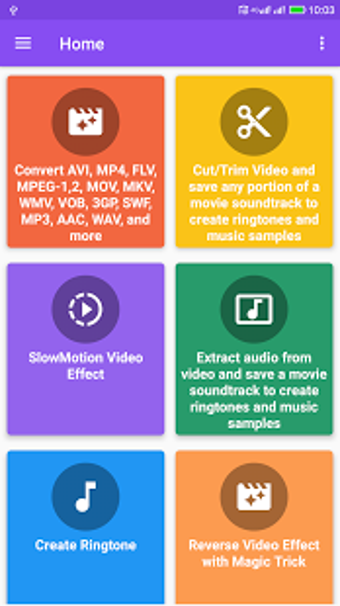
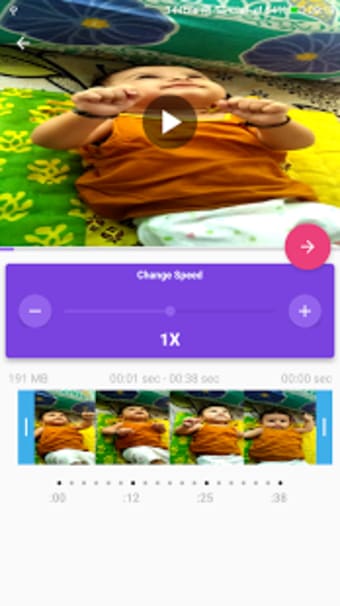
It is one of the best video editing apps in the Google Play Store. It is easy to use and has a user-friendly interface. It can convert video files from one format to another format. The best thing is that it is easy to use and does not require any special skills to use.

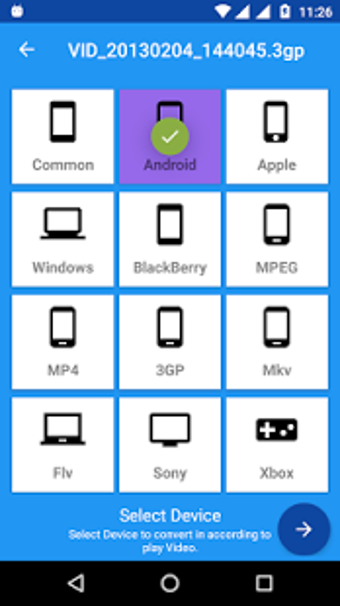
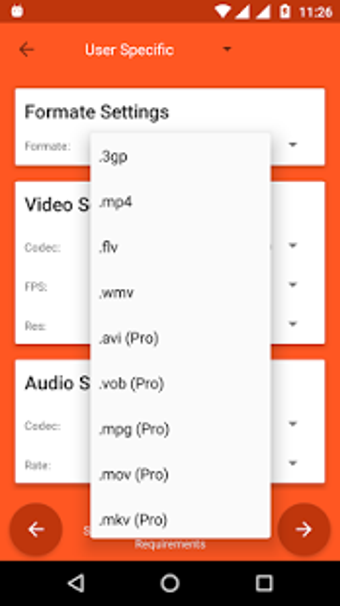
The conversion process is very easy. First of all, select the video that you want to convert. Then, select the format that you want to convert to. You can select from MP4, MKV, AVI, 3GP, FLV, MTS, M2TS, TS, MPEG, MPG, WMV, M4V, MOV, VOB, F4V, WEBM, DAV, DAT, MOVIE, MOD, MXF, LVF, H264, H265 and more.

 0/9

App specs

  • License

    Free

  • Version

    5.3

  • Latest update

  • Platform

    Android

  • OS

    Android 9.0

  • Downloads

    927

    Last month's downloads

    • 15
  • Size

    23.68 MB

  • Developer

  • Download Options

    APK, Google Play

  • Filename

    jaineel-videoconvertor-4006-54370708-b331da8e603d904e3d526beb7b9439b3.apk

Program available in other languages


User reviews about Video Converter

Have you tried Video Converter? Be the first to leave your opinion!

Add review

You may also like

Alternatives to Video Converter

Explore Apps

Latest articles

Laws concerning the use of this software vary from country to country. We do not encourage or condone the use of this program if it is in violation of these laws.
Softonic

Is Video Converter safe?

100/100

Score result: Clean

This file passed a comprehensive security scan using VirusTotal technology. It is safe to download.

  • Virus free
  • Spyware free
  • Malware free
  • Verified by Security Partners

    VirusTotal logo

Scan Info

Last scan
Wednesday, November 22, 2023
Scan provider
VirusTotal · Full report

File Integrity

File
jaineel-videoconvertor-4006-54370708-b331da8e603d904e3d526beb7b9439b3.apk
SHA256
560a756427313fc80cc18c85fc211a0799347e0015b4ecbcafd32ae16ec52b71
SHA1
33e907c76eb3678b3954de13d5ef2fc70aeafbd7

Softonic security commitment

Video Converter has been thoroughly scanned by our advanced security systems and verified by industry-leading partners. This file comes from the official developer and has passed all our security checks, showing no signs of viruses, malware, or spyware. For more information, visit our Security and Trust Center

Softonic

What is a Validated Developer?

Validated Dev

This badge indicates that Softonic has received authorization to offer the software from the developer or a designated representative, through the Softonic Publisher Center or other agreements. Content, ownership and compliance are responsibility of the developer.

More details in terms and conditions.

Are you a developer?

Join the Softonic Publishing Center and reach millions of users.

Not a developer?